Reimagining Ubuntu’s Unity Desktop: A Modern Take with Wayfire and Libadwaita
In the mid-2010s, Canonical’s ambitious smartphone push drained resources and goodwill, leading to the eventual sunset of Ubuntu’s signature Unity desktop. But what if Unity had continued to evolve? A community developer named Muqtxdir has offered a tantalizing glimpse with a prototype that rebuilds the Unity shell using modern Wayfire, GTK4-layer-shell, and Libadwaita widgets. This project not only pays homage to Unity’s distinctive design but also demonstrates how it might look today—sleeker, more performant, and aligned with contemporary Linux desktop standards. Below, we explore the key questions surrounding this innovative experiment.
1. What was the Unity desktop, and why did Canonical abandon it?
Unity was Canonical’s custom desktop environment for Ubuntu, launched in 2010. It featured a distinctive sidebar launcher, a top panel with global menu integration, and an innovative HUD (Heads-Up Display) for quick command access. Unity aimed to provide a unified, touch-friendly experience across desktops, tablets, and phones. However, Canonical’s push into smartphones (Ubuntu Touch) required massive investment, and when the mobile market didn’t pan out, the company faced financial strain. By 2017, Canonical decided to drop Unity and revert to GNOME, citing the need to focus on core business and reduce duplicated efforts. This move left many fans disappointed—they felt Unity was ahead of its time. The shift also marked a turning point, as Ubuntu embraced GNOME’s extensions-based approach, but the spirit of Unity lingered in the community.

2. Who is Muqtxdir, and what did they create?
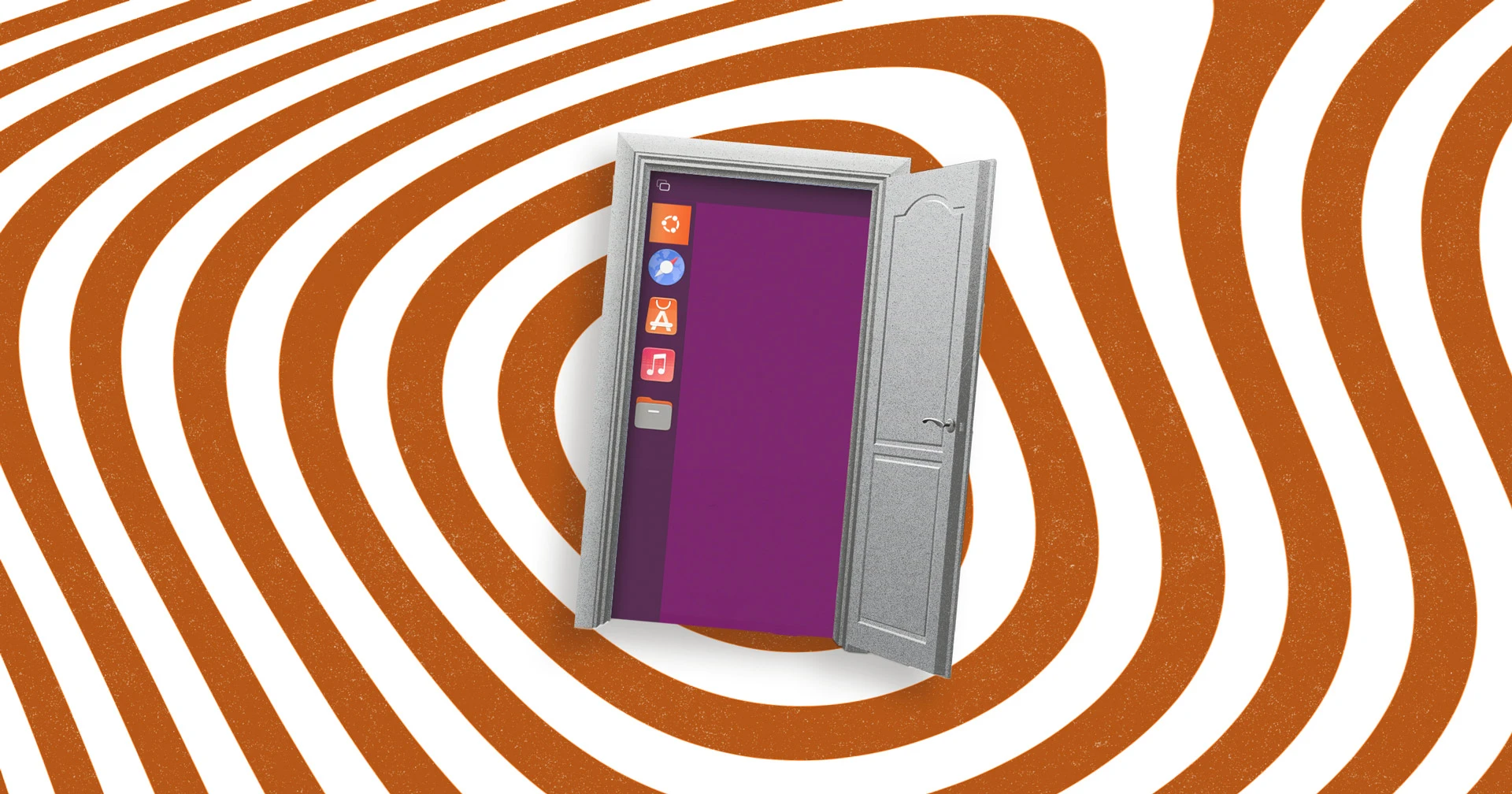
Muqtxdir is a dedicated Ubuntu community member who helps maintain the Yaru theme and contributes to the immutable Vanilla OS Linux distribution. They recently shared a video and code demonstrating a prototype Unity desktop recreated using Wayfire, a lightweight Wayland compositor. Instead of porting old Unity code, Muqtxdir rebuilt the shell from scratch using modern toolkits: GTK4-layer-shell for panels and Libadwaita widgets for consistent styling. The project isn’t a full desktop environment yet—it’s a proof-of-concept that captures Unity’s layout: the left-side dash, top panel with app indicators, and a unified overlay search (like Unity’s Dash). By leveraging Wayfire’s compositing capabilities, the prototype runs on Wayland, delivering smoother performance and better security. Muqtxdir’s work shows how a community member can independently explore what Unity 2.0 might have looked like if Canonical had continued its development path.
3. What technologies power this modern Unity recreation?
The prototype is built on three key technologies: Wayfire, GTK4-layer-shell, and Libadwaita. Wayfire is a modular Wayland compositor that allows custom window management and effects—here it handles the Unity-like workspace switching and panel positioning. GTK4-layer-shell extends GTK4’s capabilities by enabling layer shell protocol support, which provides fine-grained control over panel placement (e.g., top panel, bottom dock) and avoids limitations of traditional window stacking. Libadwaita, originally part of GNOME’s interface library, supplies polished widgets with adaptive layouts, rounded corners, and cohesive color schemes. By combining these, Muqtxdir achieves a look that feels both familiar and fresh: the Unity dash uses Libadwaita’s search bar, while the panel integrates with the system. This technological stack also ensures compatibility with modern GNOME apps and Flatpak runtimes, making the desktop consistent and up-to-date.
4. How does this project differ from the original Unity desktop?
While the visual layout is reminiscent of Unity, the underlying architecture is completely different. The original Unity was built on Compiz (a composite manager for X11) and used Qt components mixed with custom code, leading to performance and maintainability issues. Muqtxdir’s version runs entirely on Wayland via Wayfire, which offers better frame pacing and security. It also uses Libadwaita widgets instead of Unity’s bespoke UI elements, meaning apps adhere to a modern GNOME-style aesthetic rather than the old, more rigid look. Another difference: the prototype lacks features like HUD, lens scopes, and contextual menu integration—it’s a minimal shell. However, it demonstrates that Unity’s launcher-and-dash concept can be rebuilt with open standards. The project also highlights how the Linux ecosystem has converged: where Unity once stood apart, this recreation embraces common toolkits like GTK4 and Libadwaita, making it easier to integrate with the wider desktop landscape.
5. What does this project reveal about Unity’s potential future evolution?
Muqtxdir’s work serves as a “what-if” visualization of Unity’s trajectory. If Canonical had not pivoted, Unity would likely have transitioned to Wayland (like GNOME did) and adopted modern widget toolkits. This prototype suggests that Unity’s signature features—the persistent dash, unified search, and global menu—could have been implemented with less fragmentation by relying on GNOME/GTK standards. It also shows potential for hybrid workflows: for example, using Libadwaita widgets ensures compatibility with GNOME Circle apps while retaining Unity’s navigation. The project may inspire other community efforts to create more complete Unity-style desktops, possibly as a GNOME Shell extension or a standalone Wayfire session. Ultimately, it underscores that design ideas from Unity are still viable and can coexist with modern Linux desktop trends, such as Flatpak sandboxing and compositor-based rendering.
6. Is this prototype available to try, and what are its limitations?
Muqtxdir has shared the project on GitHub and provided build instructions, but it is not a daily-driver-ready desktop. The prototype currently only supports basic functionality: launching apps from the dash, using the top panel for notifications and time, and a limited overlay search. Many original Unity features—like HUD, workspace switcher, and touch gestures—are missing. The code is written for Wayfire and requires a Wayland session, so it won’t work on X11. Additionally, because it uses GTK4-layer-shell, it may have incompatibilities with older GTK apps. However, developers interested in contributing can fork the repository, fix bugs, or extend functionality. Muqtxdir encourages experimentation and hopes the project serves as a foundation for more ambitious Unity-inspired shells. As a proof-of-concept, it succeeds in showing what’s possible with modern tooling, but much work remains for a production-ready environment.